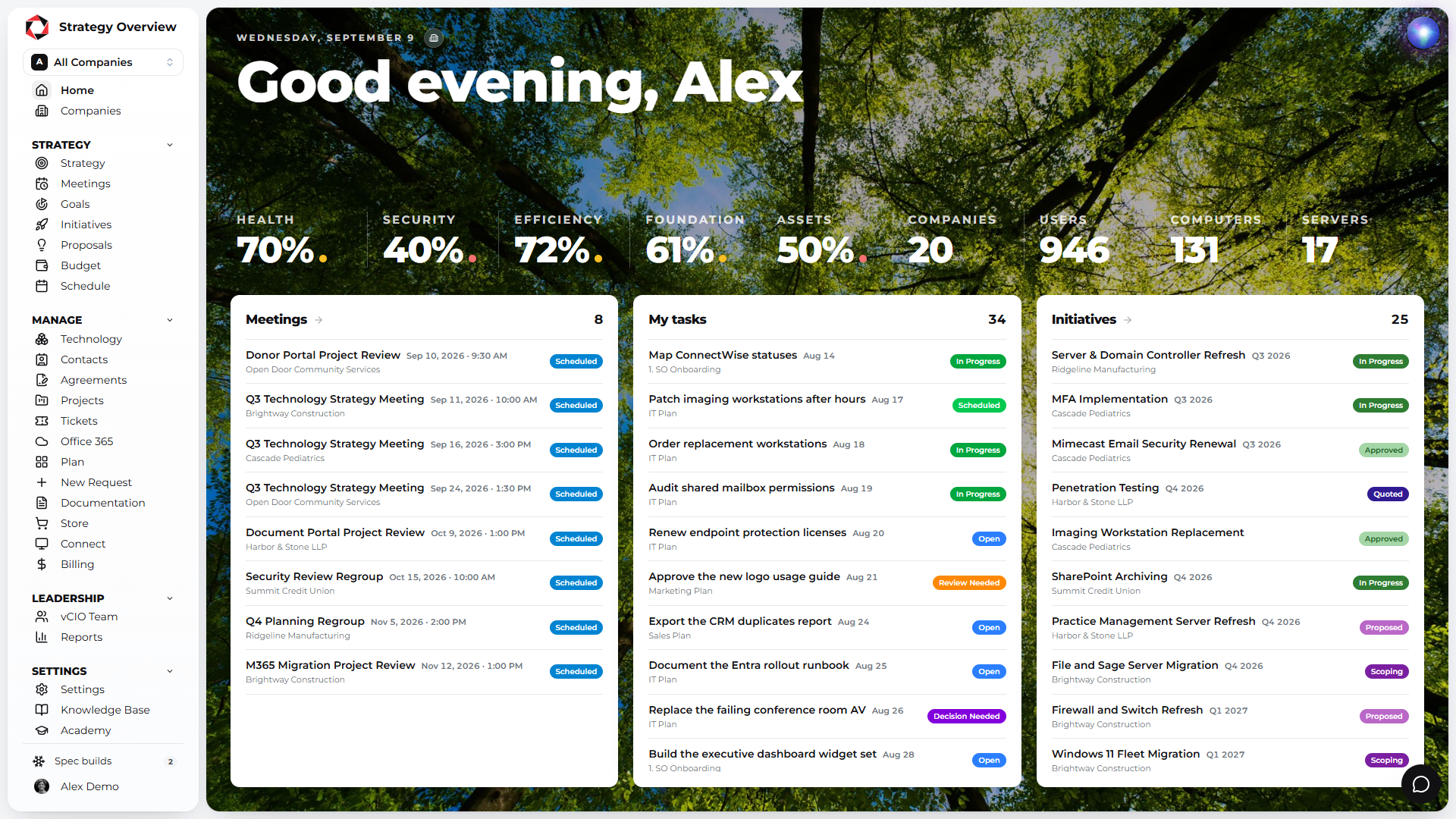
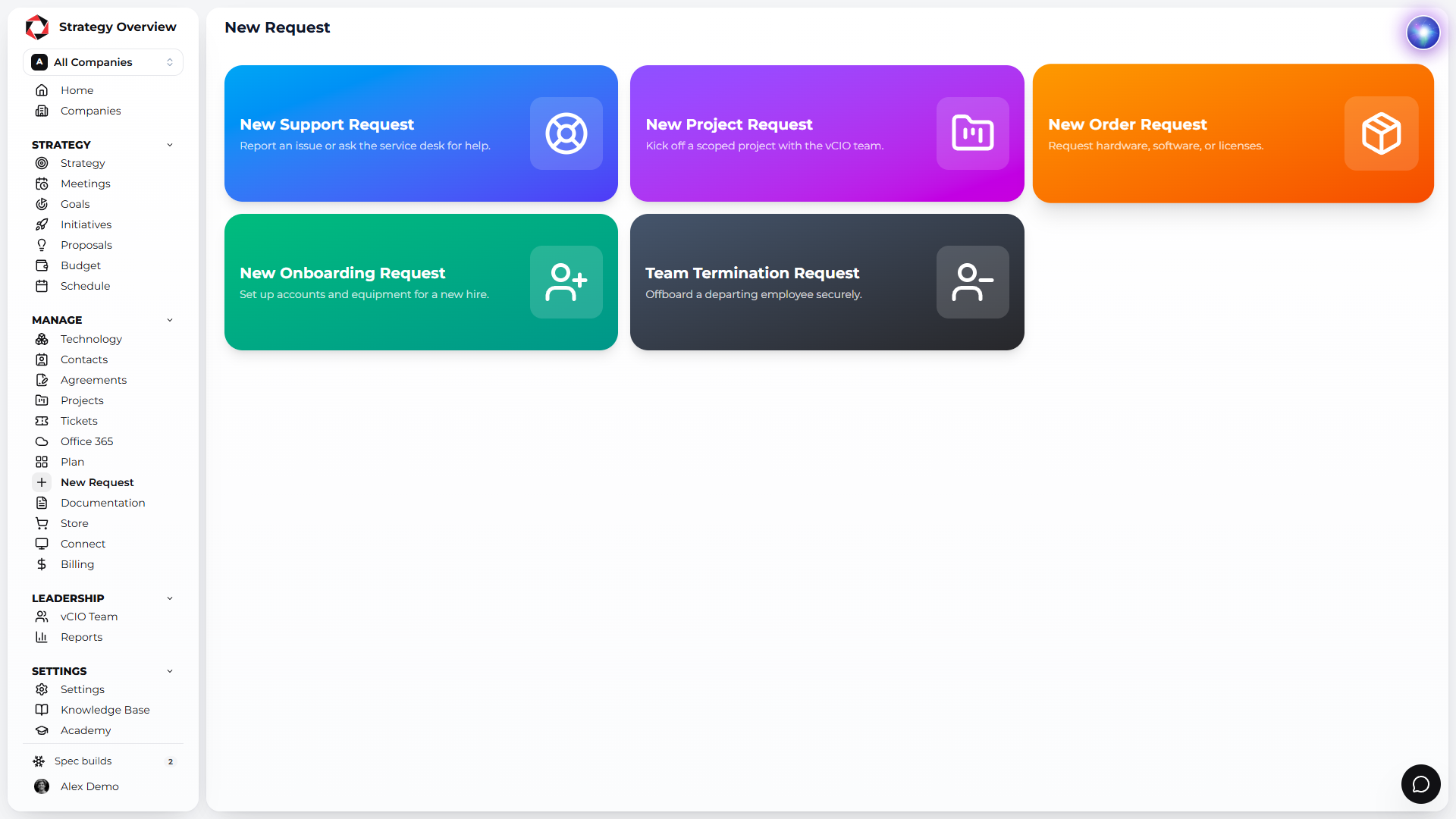
A fully white labeled portal where your clients see their strategy, goals, initiatives, budget, assets, tickets, documentation, Microsoft 365 licenses and billing. Your logo, your domain, your colors.
Between meetings the plan usually disappears into a PDF. In the portal it lives on a page the client can open any day of the quarter, with your logo on it, not ours.
100%
WHITE LABELED
1
LOGIN FOR STRATEGY, TICKETS AND BILLING
24/7
ACCESS TO THE PLAN
Fully your brand, down to the domain
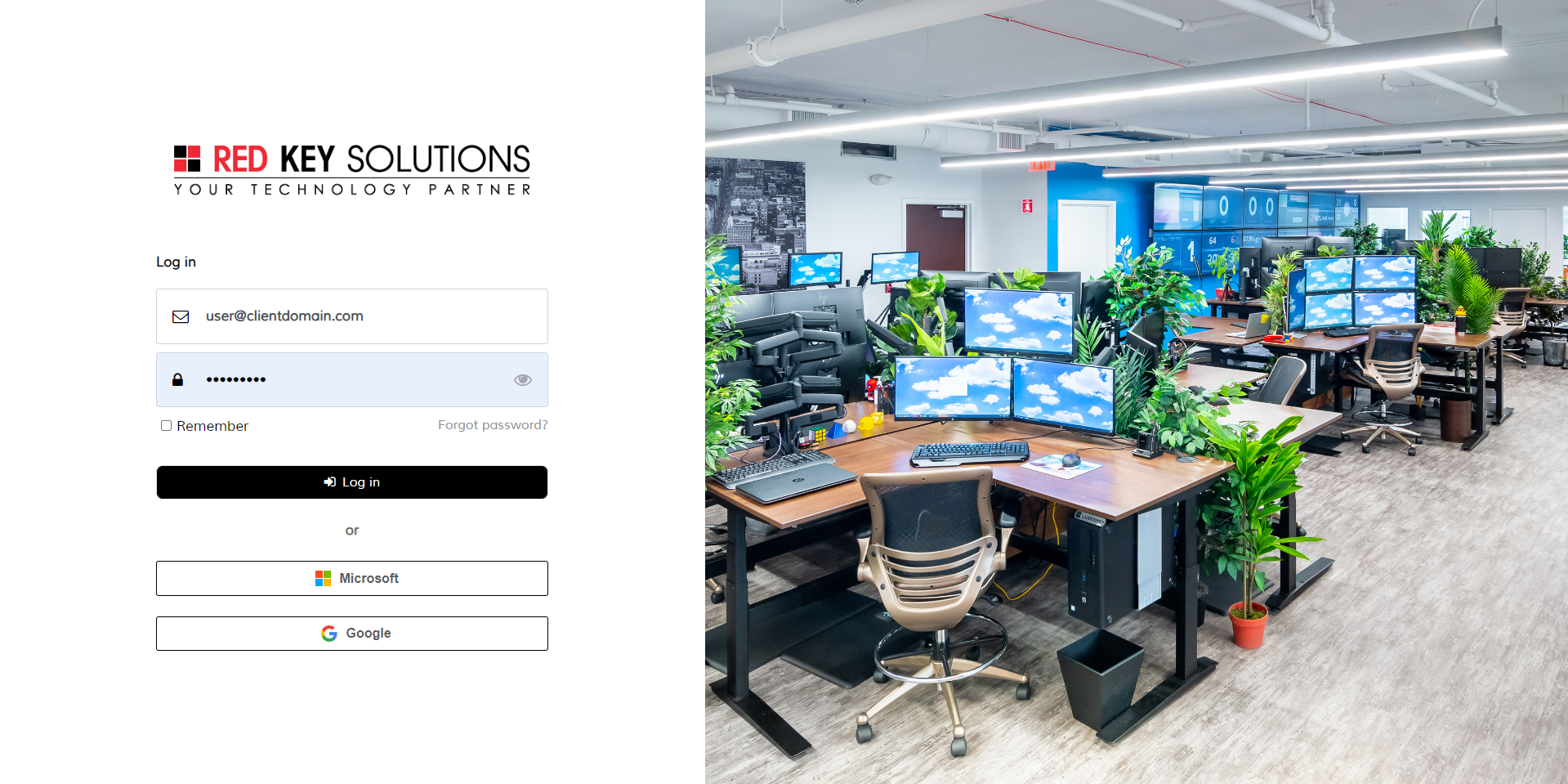
Change the portal name, every logo, the primary color, the login wallpaper and the domain. Strategy Overview becomes your MSP’s client app, with Microsoft SSO for your clients’ users.
Custom domain such as portal.yourmsp.com
Your logos, colors and login wallpaper
Microsoft SSO capable
Everything your clients can see
One login, and every part of the relationship is on the screen: the strategy you presented, the budget they approved, the assets they own and the help they need.
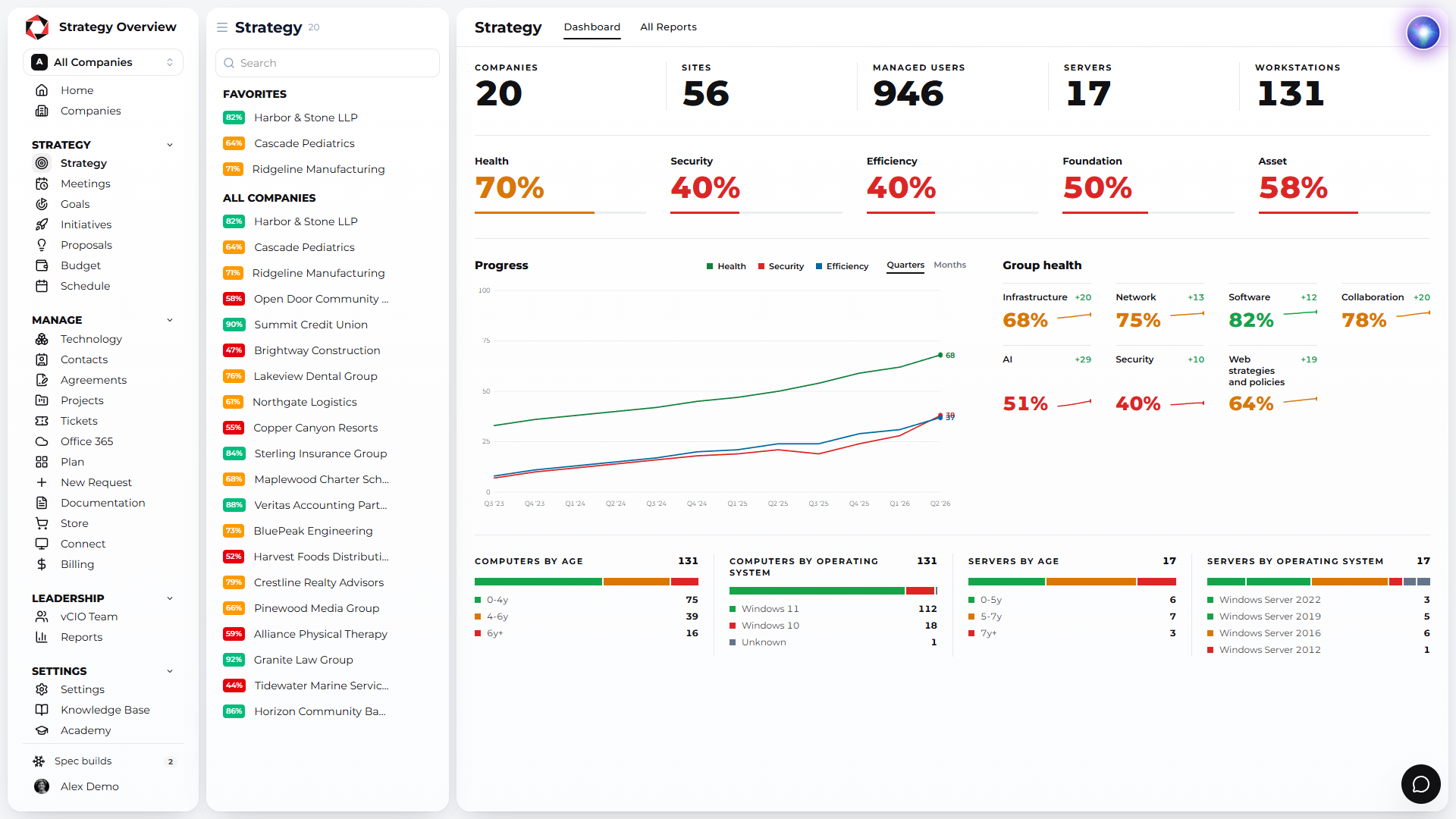
Strategy
Goals
Initiatives
Proposals
Budget
Assets
Contacts
Agreements
Projects
Tickets
Office 365 licenses
Plans
Onboarding requests
Documentation
Billing
ScreenConnect
User training
Show each client exactly what matters
Choose which modules each user sees and embed virtually any app. Strategy, budget, tickets, billing or your own tools, arranged per client.
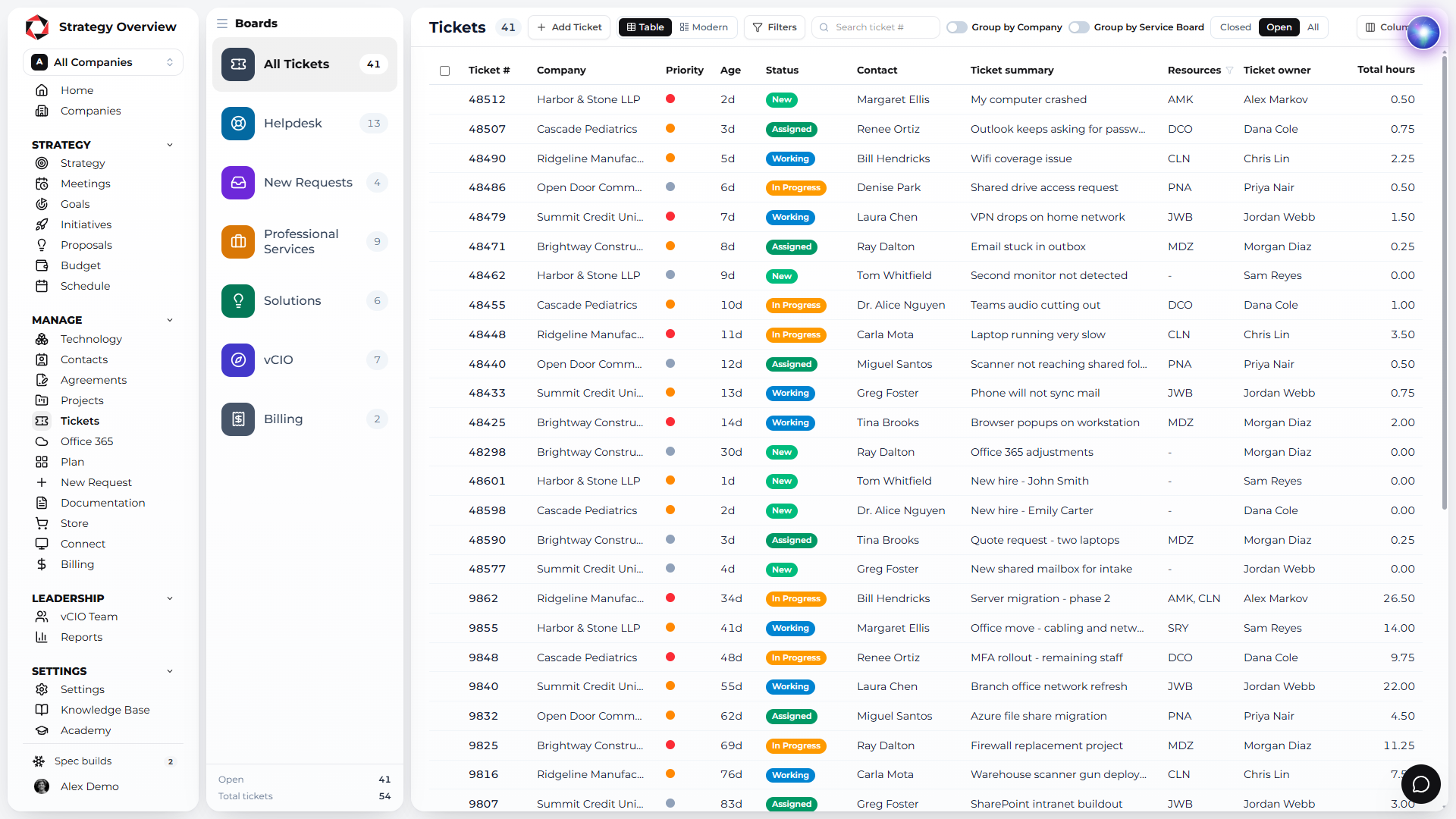
Tickets by service board, with replies
Clients see every ticket by service board and reply from the portal. Engineers reply from the PSA. Nobody digs through email to find out where a request stands.
Requests from the portal
Clients submit support, project, order, onboarding and termination requests from the portal. Embed any form engine you already use, so every request arrives with the details your team needs.
Support, project, order, onboarding and termination requests
Embed Jotform, Gravity Forms, Microsoft Forms or any form engine
Requests land in your PSA
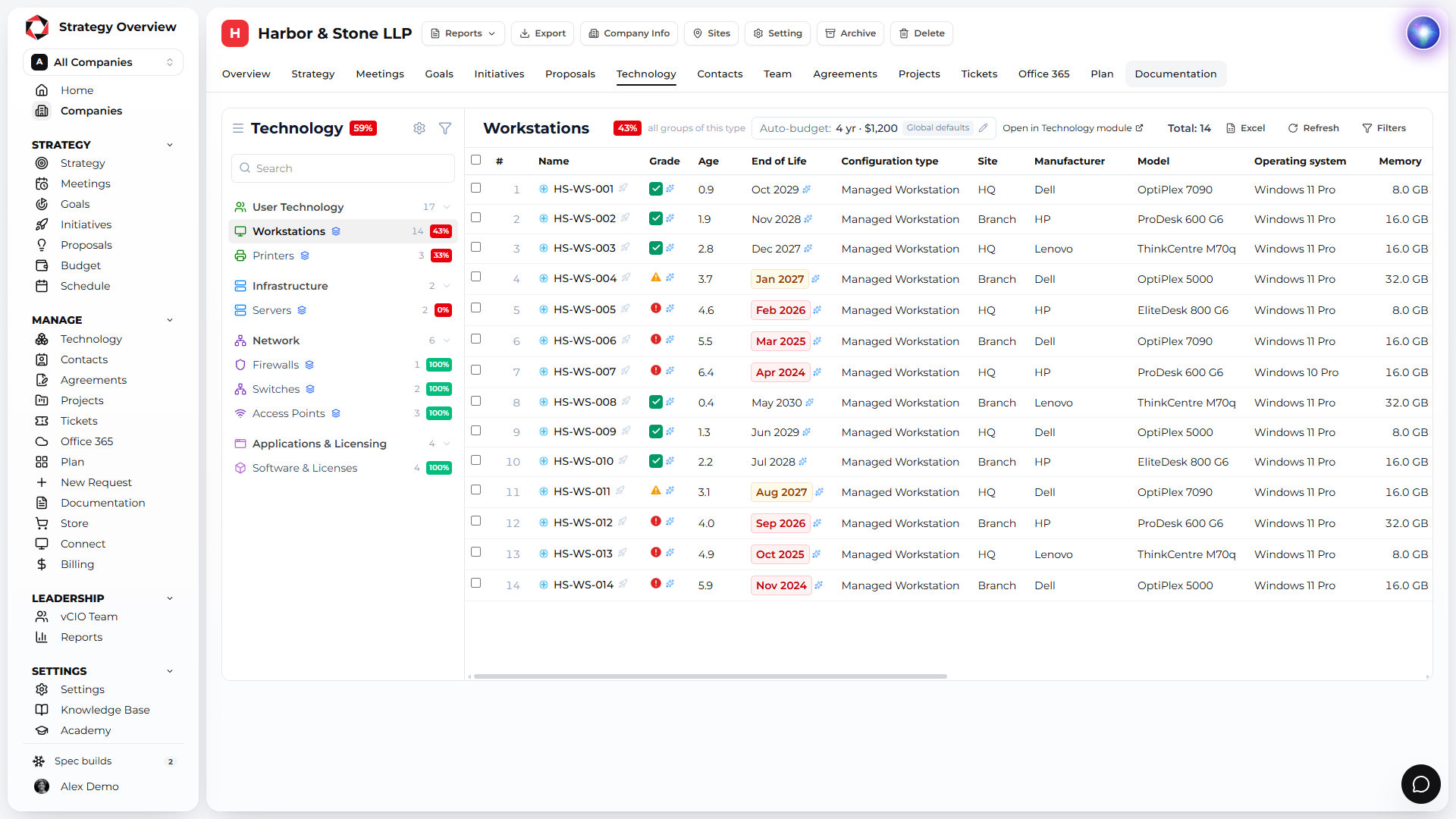
A clean asset list with your grades
Every computer and server with age, grade, end of life and estimated replacement cost, in the Technology module. The refresh conversation starts before the meeting.
Attract mature clients
Deliver a modern MSP experience to every client and attract companies that value it. The portal is often the first thing a prospect asks to see.
Why Strategy Overview?
Reactive support is a commodity. What clients pay a premium for is a plan. Strategy Overview is the platform built to deliver that plan every quarter, for every client, from one record.
Built for the QBR, by MSP operators
Strategy Overview started inside an MSP. Assessment, initiatives, budget and report are one client record, so the QBR is assembled, not rebuilt.
Unlimited users, priced per client
Every vCIO, account manager and engineer gets a seat. You pay for the companies you manage, and the per client rate drops as you grow.
Month to month, free to start
Free for 3 companies, golden template included. No long term contract on any plan.
Arya, the world's first vCIO agent
Ask about technology, scopes of work and QBR best practice, and let Arya help fill out the assessment. Plus an open API and an MCP server.
Connected to the stack you already run
ConnectWise, Autotask, Halo, Kaseya BMS, Syncro, ServiceNow, NinjaOne, Datto RMM, Hudu, IT Glue, Microsoft 365 and more. Nothing to re-key.
Recognized by the MSP community
IT Nation PitchIT winner, G2 Category Leader and Fastest Growing. Datacenters in the United States and Ireland.
Strategy Overview runs on Microsoft Azure in the United States and in Ireland. Pick the datacenter when you register and every client you add lives there.
United States
Microsoft Azure datacenters in the US for North American MSPs. Client data stays in country.
Low latency for US and Canadian clients
Azure security and uptime
Selected when you create your account
Ireland
Microsoft Azure datacenters in Ireland for MSPs in the UK and the EU. Data stays inside the EU.